




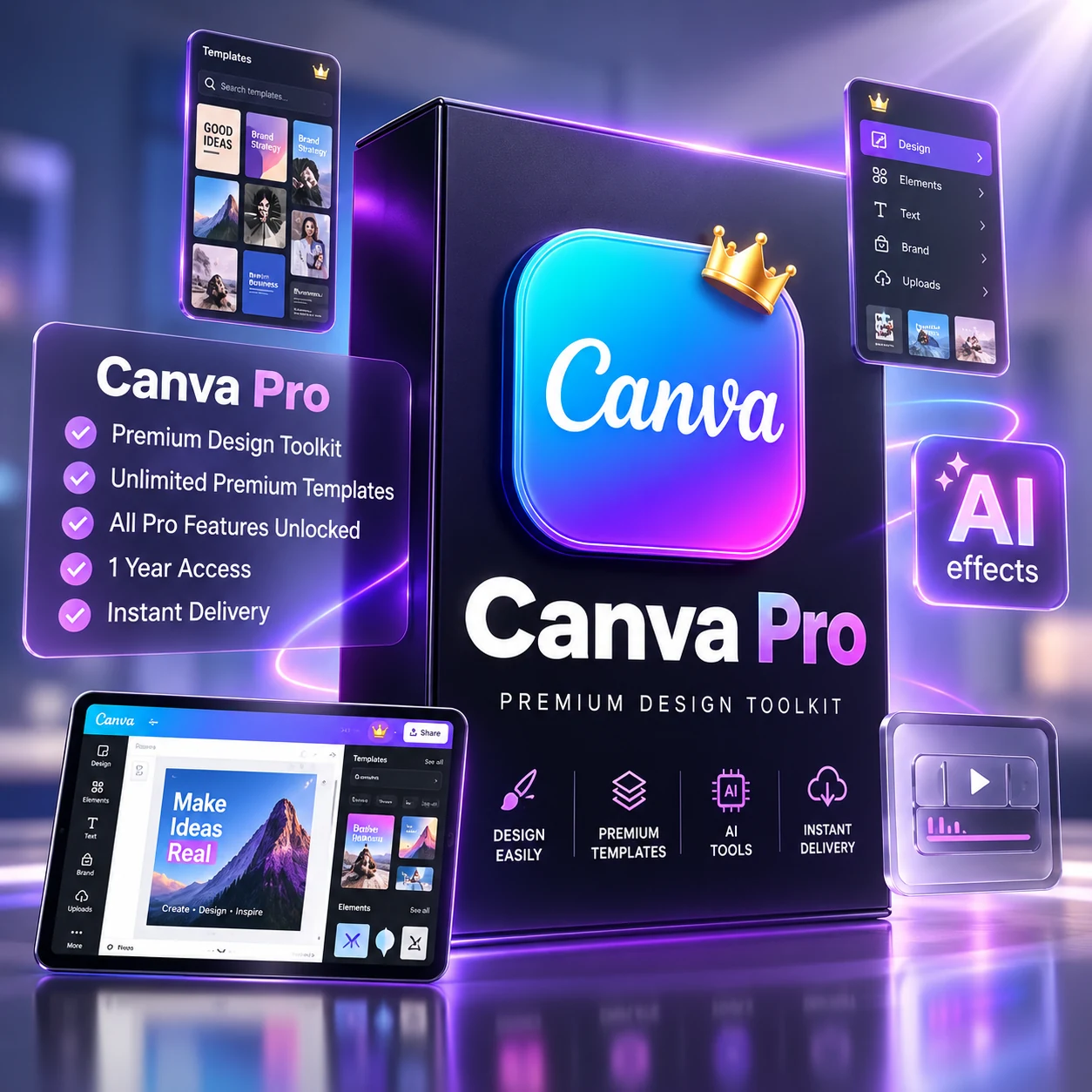

Canva Pro Price in Bangladesh – Canva Pro Subscription
Original price was: 6,000.00৳ .150.00৳ Current price is: 150.00৳ .
Canva Pro Unlimited
১. ব্র্যান্ড কিট (Brand Kit)
Canva pro price in bd নিয়ে ভাবছেন? Canva Pro-তে ব্র্যান্ড কিট তৈরি করা যায়, যেখানে লোগো, ব্র্যান্ড কালার এবং ফন্ট সংরক্ষণ করে সহজেই প্রতিটি ডিজাইনে আপনার ব্র্যান্ডের পরিচিতি বজায় রাখা সম্ভব।
২. ব্যাকগ্রাউন্ড রিমুভার (Background Remover)
মাত্র একটি ক্লিকেই ছবি থেকে ব্যাকগ্রাউন্ড সরিয়ে প্রফেশনাল লুক দেওয়া যায়।
৩. স্টক ফটো এবং ভিডিওর বিশাল কালেকশন
Canva Pro ব্যবহারকারীরা প্রিমিয়াম স্টক ফটো, ভিডিও, এবং অডিও লাইব্রেরি অ্যাক্সেস করতে পারেন। এগুলো ওয়েবসাইটের আর্টিকেলে ভিজ্যুয়াল অ্যাপিল বাড়ানোর জন্য দারুণ।
৪. ম্যাজিক রিসাইজ (Magic Resize)
একটি ডিজাইন তৈরি করার পর সেটিকে বিভিন্ন সাইজে রিসাইজ করা সম্ভব। যেমন, সোশ্যাল মিডিয়া পোস্ট, ব্যানার, বা ব্লগ ইমেজে রূপান্তর করা যায়।
৫. কাস্টম টেমপ্লেট তৈরি
Canva Pro-তে কাস্টম টেমপ্লেট তৈরি করে ভবিষ্যতে বারবার ব্যবহার করা যায়। এটি সময় সাশ্রয়ী এবং কনসিস্টেন্সি বজায় রাখে।
৬. কন্টেন্ট প্ল্যানার (Content Planner)
Canva Pro-র মাধ্যমে সোশ্যাল মিডিয়ার পোস্ট শিডিউল করা যায়। এটি ওয়েবসাইট এবং সোশ্যাল মিডিয়া কনটেন্ট ম্যানেজমেন্ট সহজ করে।
৭. প্রিমিয়াম ফন্ট এবং ডিজাইন উপকরণ
Canva Pro-তে প্রিমিয়াম ফন্ট, স্টিকার, এবং এনিমেশন পাওয়া যায় যা আপনার ডিজাইনকে আরও আকর্ষণীয় করে তোলে।
৮. অনলাইন স্টোরেজ এবং সহযোগিতা (Cloud Storage & Collaboration)
Canva Pro ব্যবহারকারীরা ডিজাইনগুলি ক্লাউডে সংরক্ষণ করতে পারেন এবং অন্যদের সাথে শেয়ার করে সহযোগিতার মাধ্যমে কাজ করতে পারেন।
৯. ভিডিও এডিটিং
সাধারণ ভিডিও এডিটিং টুল Canva Pro-তে অন্তর্ভুক্ত। এর মাধ্যমে আপনার ওয়েবসাইটের জন্য শর্ট ভিডিও কনটেন্ট তৈরি করা সহজ।
১০. ক্লিয়ার লাইসেন্সিং পলিসি
Canva Pro-এর প্রিমিয়াম ইমেজ এবং অন্যান্য সম্পদ কপিরাইট নিয়ে চিন্তামুক্তভাবে ব্যবহার করা যায়। এই ফিচারগুলো ব্যবহার করে ওয়েবসাইটের আর্টিকেলের ভিজ্যুয়াল অ্যাপিল বাড়ানো, সোশ্যাল মিডিয়া কনটেন্ট তৈরি এবং ব্র্যান্ডিং সহজ করা সম্ভব।
Canva pro price in bd নিয়ে আরও বিস্তারিত জানতে আমাদের ব্লগ গাইডটি পড়ুন।
What Is Canva Pro?
Canva Pro is the paid version of Canva, an online design tool for creating social media posts, presentations, posters, banners, thumbnails, documents and short videos from templates. A user can choose a template, change the text, colours and images, and export a finished design, without starting from a blank page. Canva describes Pro as an all-in-one solution for designing and managing work, with premium content, brand tools and AI features. See Canva’s own overview of Canva Pro for the current description of the plan.
The practical value is time saved when a post, cover image or presentation needs to look consistent and ready to publish. A template, a saved brand style and a ready stock image can shorten a routine design task, although the result still depends on the user’s text, images and judgement.
Canva Free vs Canva Pro: A Simple Comparison
This comparison is educational only. It does not turn this paid listing into a free offer. On Canva’s official pricing comparison, Free is shown with a drag-and-drop editor, more than 1,000 design types, 1.6 million-plus templates, 4.7 million-plus photos, videos, graphics and audio items, one Brand Kit limited to three colours, and 5GB of cloud storage. Pro, on the same page, is shown with AI tools including resize, translate and background removal, 3.6 million-plus templates including premium templates, 141 million-plus premium photos, videos, graphics and audio items, five Brand Kits, social content scheduling and 100GB of cloud storage.
In short, Free may be enough for occasional, simple designs. Pro is aimed at people who design regularly and want more premium templates and stock content, more brand kits, more storage and tools such as background removal and resizing in one place. Canva’s features can change over time, so check the official comparison before deciding.
Who Can Use Canva Pro?
Designers can use it to produce client-ready visuals quickly and keep a consistent style across projects. Small businesses can use it for product posts, offers, banners and menus without hiring a designer for every small job. Content creators can use it for thumbnails, short videos, covers and regular social posts. It helps most when the need is regular, clear and visual: a post that must be published today, a presentation that must look tidy, or a set of images that must share the same colours and fonts.
How to Buy Canva Pro in Bangladesh
For a Bangladeshi buyer, the practical question behind “canva pro subscription price in bd” or “canva pro buy bangladesh” is how to complete the purchase. This page is a local product listing, so start with the price shown here: this listing shows a sale price of ৳150, reduced from a regular price of ৳6,000. Prices on a product page can change, so check the price shown above the order buttons at the time of ordering.
Next, work through the checklist below, then use the Buy Now or Buy via WhatsApp options shown on this page. If a payment method is not shown clearly, do not assume it is accepted. Check the payment options shown at checkout before ordering, and ask through the contact or WhatsApp option on the page if anything is unclear. That step is especially important for payment, because this product page itself does not promise a particular local payment method.
ক্যানভা প্রো কিভাবে কিনবো
ক্যানভা প্রো কিভাবে কিনবো — প্রথমে এই পেজের দাম ও বিবরণ দেখুন, তারপর কেনার আগে নিচের চেকলিস্টটি মিলিয়ে নিন। অর্ডার করার আগে মেয়াদ, অ্যাকাউন্টের ধরন, ডেলিভারি বা অ্যাক্টিভেশনের নিয়ম এবং রিনিউয়াল সম্পর্কে নিশ্চিত হোন। চেকআউটে যে পেমেন্ট অপশন দেখাবে, সেটাই চূড়ান্ত বলে ধরে নিন; কোনো পেমেন্ট মাধ্যম সম্পর্কে নিশ্চিত না হলে অর্ডার করার আগে জিজ্ঞেস করুন।
Before You Buy: A Short Checklist
- Duration: Confirm exactly how long access lasts and when it starts.
- Account type: Confirm whether access is for your own account, a team seat or another arrangement, and what you need to provide.
- Delivery and activation: Confirm how access is delivered, how long activation may take, and what to do if activation does not work.
- Renewal: Confirm whether access renews automatically or must be bought again, and what happens when it ends.
- Support: Keep the order details and the seller’s contact details so any access problem can be reported clearly.
These points are listed because the written description on this page does not spell out duration, account type, delivery and activation, or renewal in full. That is not a reason to assume any of them — it is a reason to confirm them before paying.
Limitations to Keep in Mind
Canva Pro is a design tool, not a guarantee of sales, followers or professional results. Premium templates and stock content still need good wording, suitable images and a clear message. Some features and limits can change on Canva’s side, and the use of premium images and other assets remains subject to Canva’s own terms, so a design should not be assumed to be usable for every purpose without checking those terms. Canva’s background remover, for example, is described as removing a photo background in seconds, but results still depend on the photo itself. Canva’s background remover page explains how that tool works.
Buying through a local listing is also different from buying directly from Canva. The official plan and its terms are described on Canva’s site, while this listing’s price, delivery and support arrangements are the details to confirm with the seller before ordering.
Frequently Asked Questions
Is this a free offer?
No. This is a paid subscription listing. Canva Free is a separate, more limited plan, described on the official pricing page linked above.
What is the price on this page?
This listing shows a sale price of ৳150, reduced from a regular price of ৳6,000. Check the price shown above the order buttons at the time of ordering, because prices can change.
Can I pay without an international card?
This product page does not promise a specific local payment method. Readers should check the payment options shown at checkout before ordering.
Does this page state the duration, account type and renewal?
Not in full in the written description. Confirm duration, account type, delivery and activation, and renewal before paying, using the checklist above.
Should I choose Free or Pro?
If you design only occasionally and need simple layouts, Free may be enough. If you design regularly and want more premium templates, stock content, brand kits and storage, Pro is the plan to compare. The official pricing comparison linked above is the best place to check the current differences.
A Note on Price and Official Plans
Do not confuse the price on this local listing with Canva’s own direct plan pricing. Canva’s pricing page is in a different currency and for a direct Canva plan, while this page lists a local offer at the price shown above. That difference is one more reason to read the checklist, confirm what access is actually supplied, and check the payment options at checkout before ordering. If the details do not match what you need, it is better to ask first than to order and then discover a mismatch.
Only logged in customers who have purchased this product may leave a review.







Reviews
There are no reviews yet.