




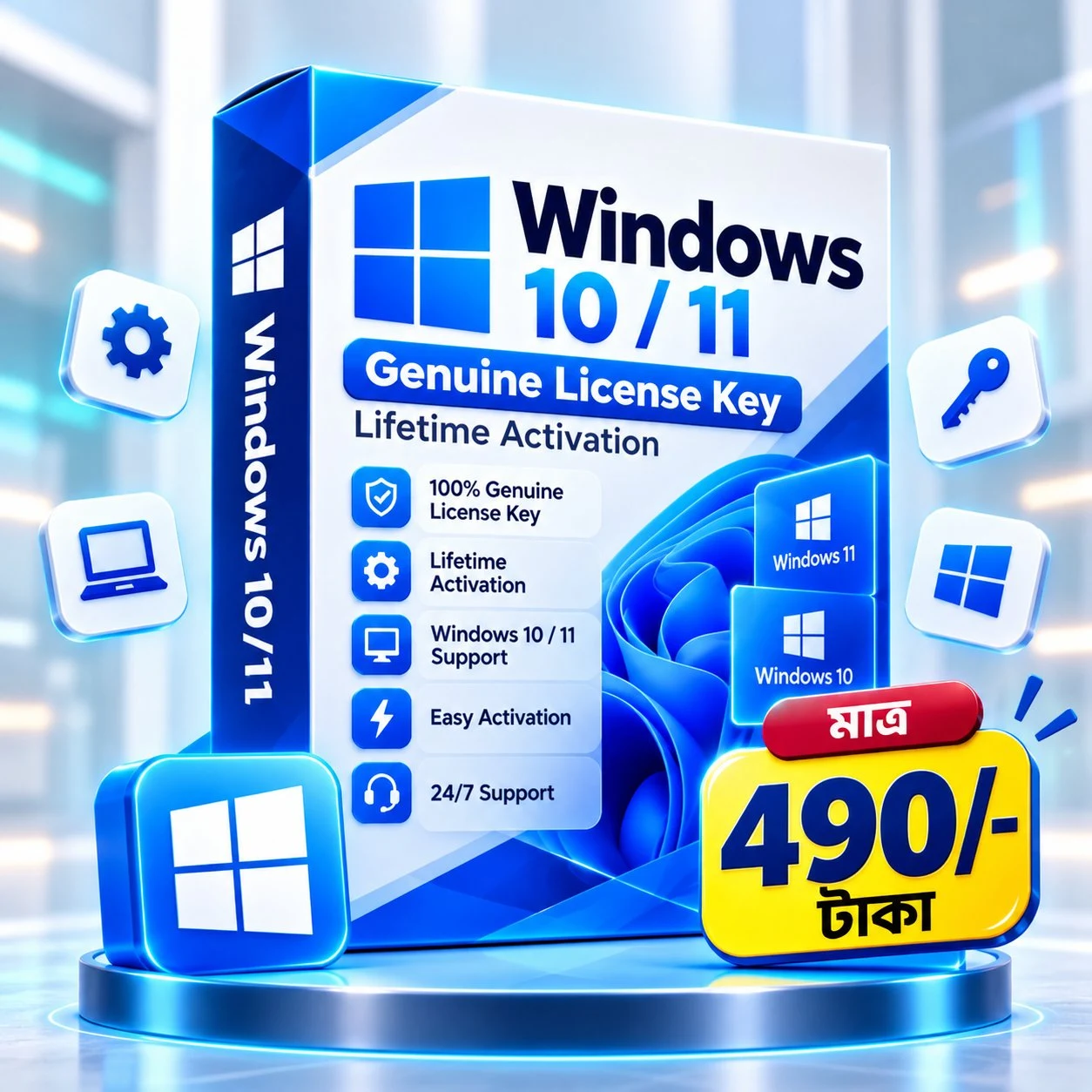

Windows 11 Genuine License (Lifetime Activation)
Original price was: 3,500.00৳ .499.00৳ Current price is: 499.00৳ .
মাত্র ৯৯০ টাকায় পেয়ে যান Windows 10 / 11 Genuine License Key।
Lifetime Activation সুবিধাসহ একবার এক্টিভেট করলেই আজীবন ব্যবহার করতে পারবেন।
👉 100% Genuine
👉 Instant Delivery
👉 Full Features & Update
💻 Windows 11 Genuine License Key – Lifetime Activation
Are you looking for a Windows 11 Genuine License to activate your Windows operating system? Get a genuine Windows license and activate your system using a valid license. Enjoy official Windows features, security updates, and a reliable Windows experience.
✨ Product Features
- ✅ Suitable for Windows 11
- ✅ Genuine License Key
- ✅ Lifetime Activation, depending on the license type
- ✅ Fast Digital Key Delivery
- ✅ Simple Activation Process
- ✅ Access to Official Windows Updates
- ✅ Remove the Windows Activation Watermark after successful activation
- ✅ Stable and Secure Windows Experience
🚀 Why Activate Windows 11?
- ✔ Access Windows features available with activation
- ✔ Receive applicable Microsoft security and feature updates
- ✔ Remove the activation watermark after successful activation
- ✔ Use Windows with a valid license
- ✔ Suitable for personal, office, business, education, and everyday use
⚡ How to Order
- Select and order the Windows license.
- Complete the payment securely.
- Provide your email address for digital delivery.
- Receive your license key according to the delivery process.
- Follow the provided activation instructions to activate Windows.
💯 Why Choose Our Windows License Service?
- ✔ Fast Digital Delivery
- ✔ Easy Activation Guide
- ✔ Reliable Digital Product Service
- ✔ Customer Support
🔐 Genuine Windows 11 License
A genuine license can help you use your operating system with proper activation. After successful activation, you can continue using applicable Windows features and receive updates according to Microsoft’s licensing and update policies.
Get your License today and activate your Windows with a valid license.
What a Windows license covers, in general terms
In general terms, a Windows license is the permission that allows a copy of Windows to be activated on a device. It is not the same as the Windows installation files, and it does not by itself guarantee that every feature will work in every situation. Microsoft describes activation as a process that pairs a product key or a digital entitlement with the hardware configuration of the device, and checks that the key or entitlement is valid for that hardware. Microsoft also states that activation alone does not evaluate whether a copy is genuine. What you can use after activation, and which updates apply, can depend on the edition, the terms that apply to the key supplied, and Microsoft’s current rules. Confirm the exact terms for this product in writing before you order, rather than assuming them from a general description.
How activation works, in general
Microsoft describes two common methods: a digital license and a 25-character product key. A digital license is linked to the device hardware and can be linked to a Microsoft account. A product key is entered during installation, or afterwards in Windows 11 through Start, Settings, System, Activation, and then Change product key. Keep an internet connection available while the check runs, enter the key carefully, and follow the on-screen steps. Afterwards, return to the Activation page and read the status message. Microsoft lists messages such as “Windows is activated”, “Windows is activated with a digital license”, and “Windows is activated with a digital license linked to your Microsoft account”. A message such as “Windows is not activated” means activation has not completed. Activation depends on the key, the edition, the hardware, and Microsoft’s current rules, so success on one device does not promise success on another.
Check your PC first
Before you order, check whether Windows is already activated. Open Settings, then System, then Activation, and read both the activation status and the edition shown. Many PCs arrive already activated, so another key may not be needed. Note the edition installed. Microsoft states that your Windows edition must match your license, and a key for one edition will not activate a different edition. This product page names Windows 11, but it does not state a specific edition, so confirm the edition covered by the key supplied in writing before you order. If you are unsure, ask before paying and keep the answer with your order details.
What to check before ordering
Use this checklist before you order, and confirm any answer you are unsure about in writing:
- The edition covered: does the key match the edition installed on your PC?
- The license type: is it a product key, a digital license, or another arrangement, and what happens after a reinstall or a major hardware change?
- How many devices the key is for, and whether it can be moved to another PC.
- What is included: the key itself, activation instructions, and what support is available if activation fails.
- How the key will be delivered, and what to do if you cannot find the delivery message.
- What proof you should keep, such as the order number and the delivery message, and how to contact support with an error message.
- Any delivery, duration, or guarantee terms: this description does not verify those details for this specific key, so do not assume them.
If activation does not work
If activation does not work, work through the basics before trying again repeatedly. Check the internet connection, check that the edition matches, and check the key for typing errors, including confusing 0 with O; copying and pasting carefully can help. Note the exact error message or code shown, because support will need it. Microsoft provides troubleshooting for activation errors, linked below. If the key was already used on another device, or the hardware has changed significantly, such as a motherboard replacement, reactivation may be needed or may not be possible under the terms that apply. Keep your order proof ready when you ask for help, and do not share the key publicly.
After activation and keeping the key safe
After activation, check the Activation page again and confirm the status message. If you have a digital license, linking it to your Microsoft account can help if you later need to reactivate after a hardware change, as Microsoft describes. Keep the key and the order details in a safe place, not only in a temporary chat message, and do not share the key with others. On the same device and the same edition, a digital license may allow Windows to reactivate automatically after a reinstall, but a major hardware change can still require further steps. Keep Windows updates switched on, as Microsoft describes validation as part of receiving certain updates and downloads.
📌 Product Information Windows 11 Genuine License
- License Type: Digital License Key
- Activation: Windows 11
- Delivery: Digital Delivery
- Activation Guide: Available
Related help
For step-by-step activation help, see the related guide on this site and the official Microsoft support page:
1 review for Windows 11 Genuine License (Lifetime Activation)
Only logged in customers who have purchased this product may leave a review.






abirsahaabir088 (verified owner) –
Thanks, lifetime digital license active hoisa